

Scientific database subscriptions
As our English language pages are still under development, we hope this guide can help translate and navigate them in different browsers.
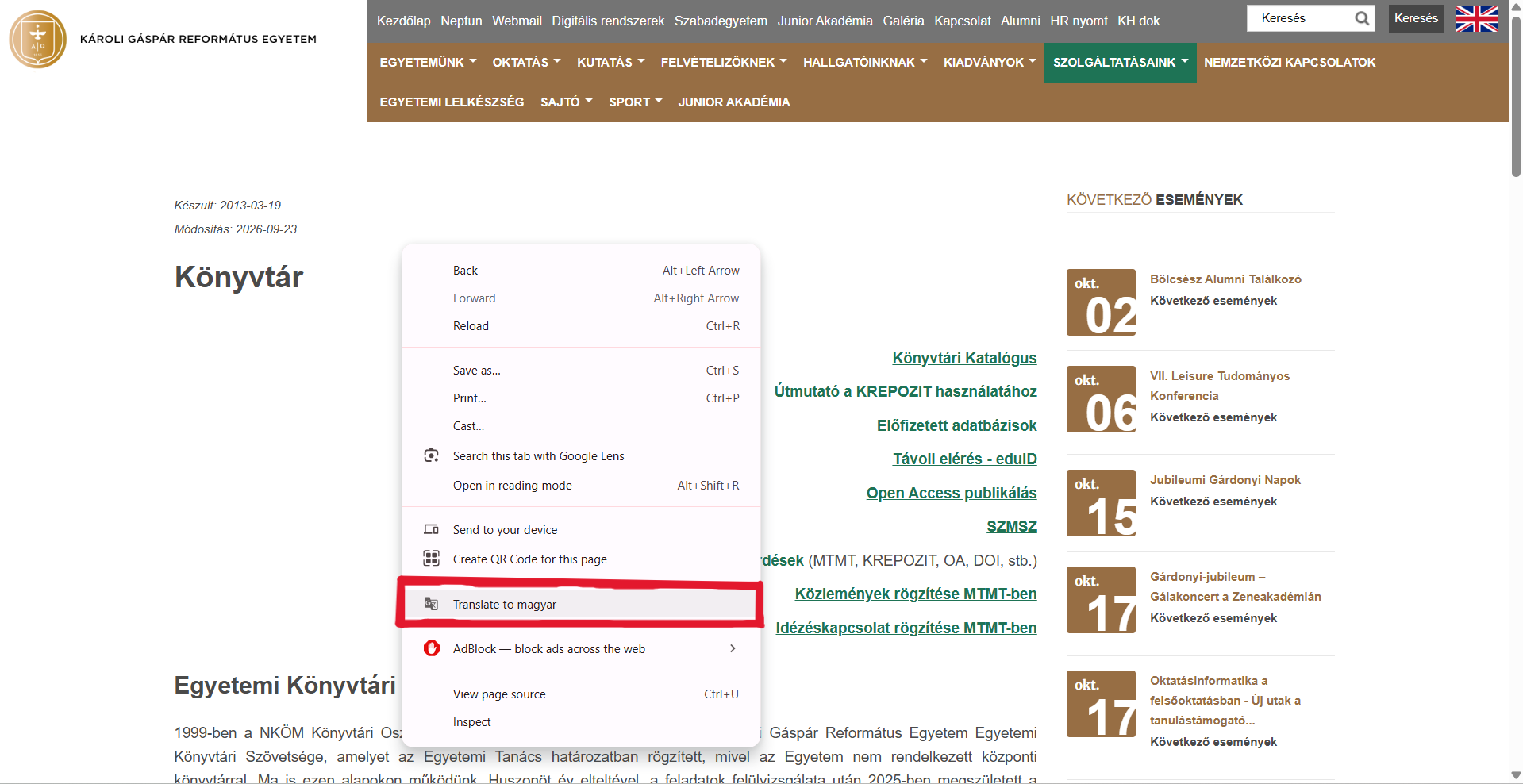
To translate a page in Chrome, click on a neutral area on the website (a place where there are no links, etc.) and select “Translate to [selected language]”.
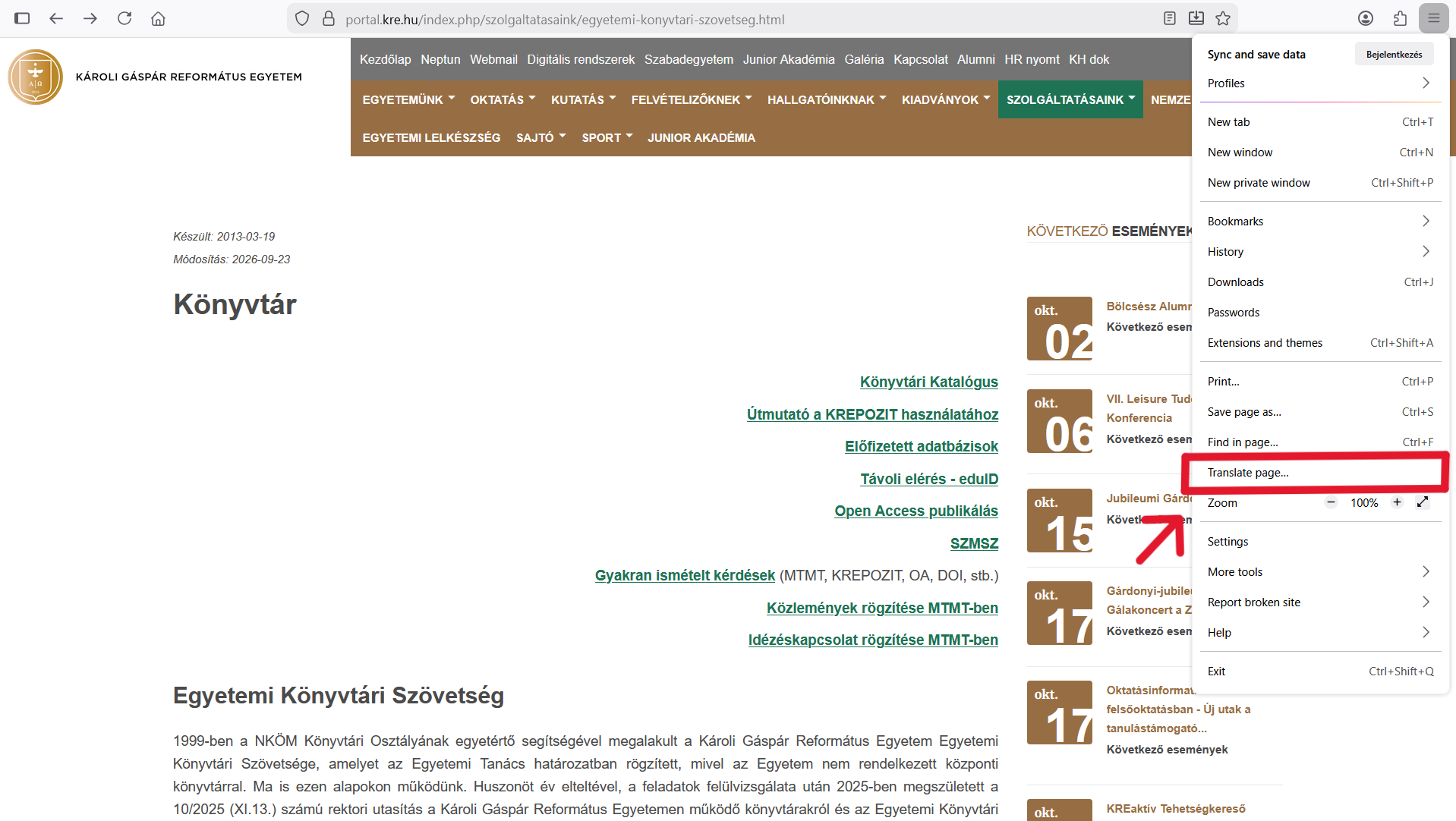
To translate a page in Firefox, click on the three lines in the right hand corner on the top and select “Translate page…”.
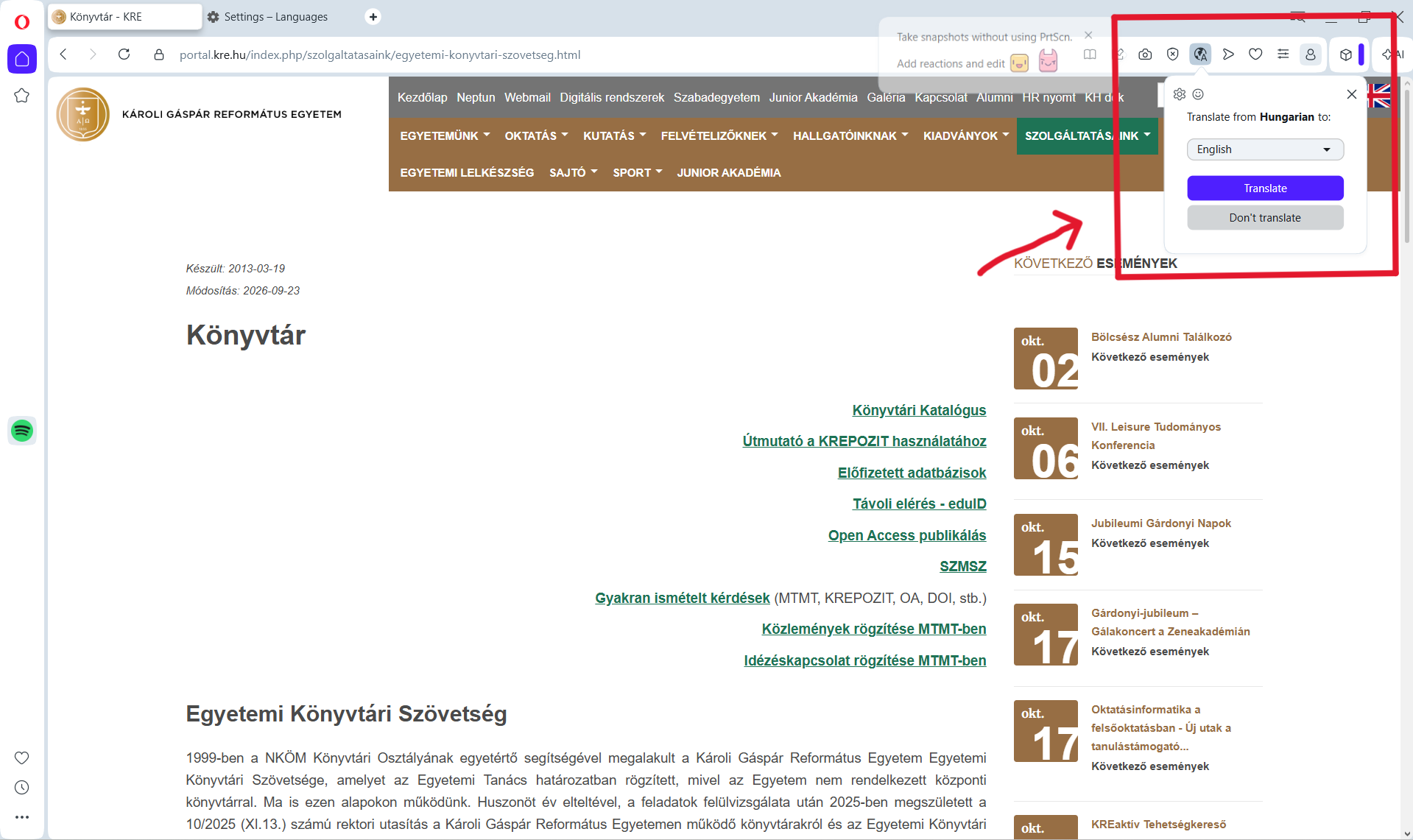
To translate a page in Opera, in the URL line on top click on the globe icon with the capital “A” on the right end and select the “Translate from [language] to:” option.
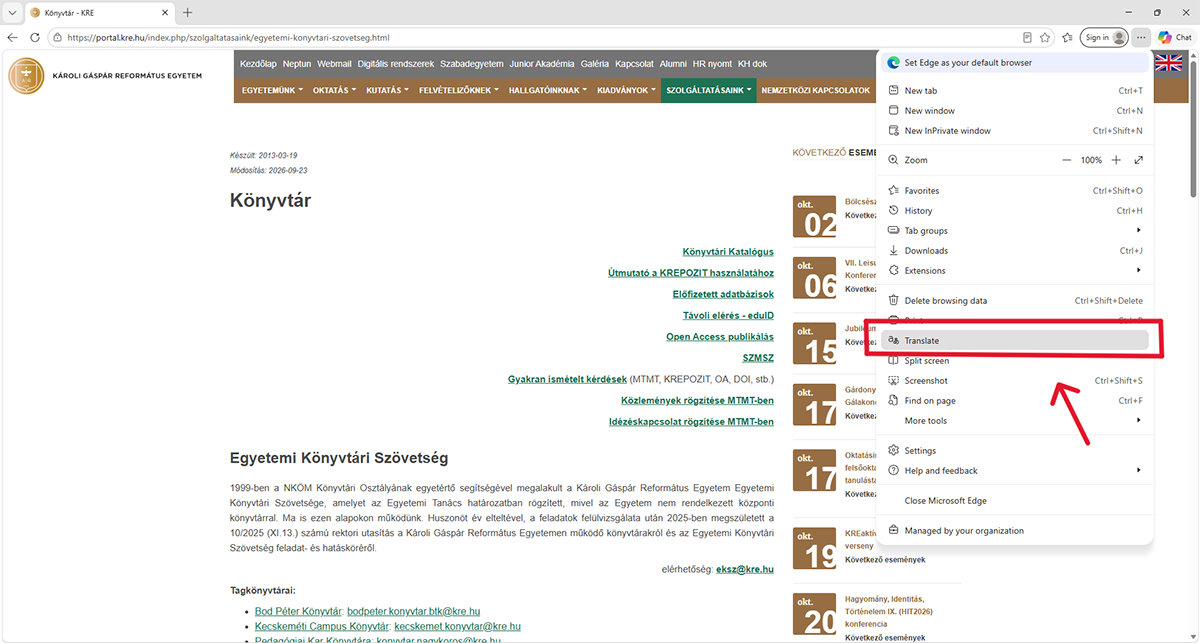
To translate a page in Microsoft Edge, click on the three dots on the right hand side of the URL line and select “Translate”.
Copyright © 2023 Károli Gáspár University of the Reformed Church in Hungary. All rights reserved.